Posts tagged with Android
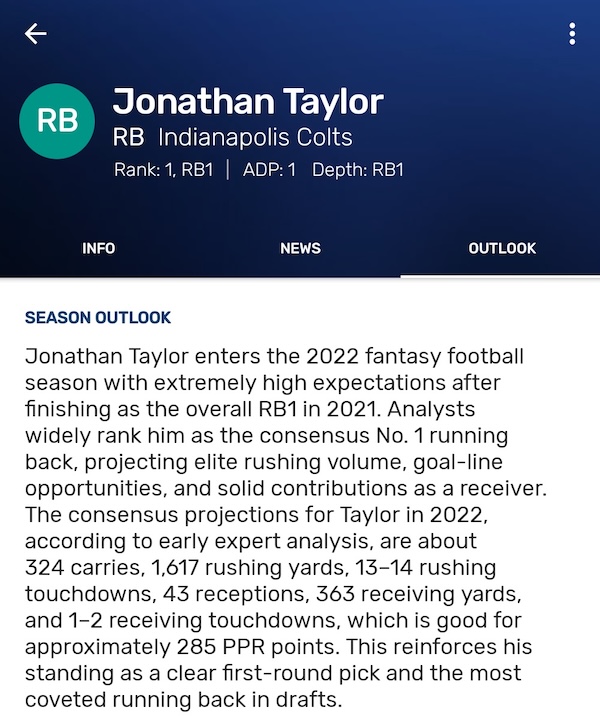
Using AI Language Models to Generate Fantasy Football Player Outlooks
I explored using OpenAI's gpt-3 language models to generate fantasy football player outlooks for my Draft Punk app. Through experimentation with different models, retrieval-augmented generation, and prompt engineering, I learned how to create compelling, fact-based player narratives that riva...
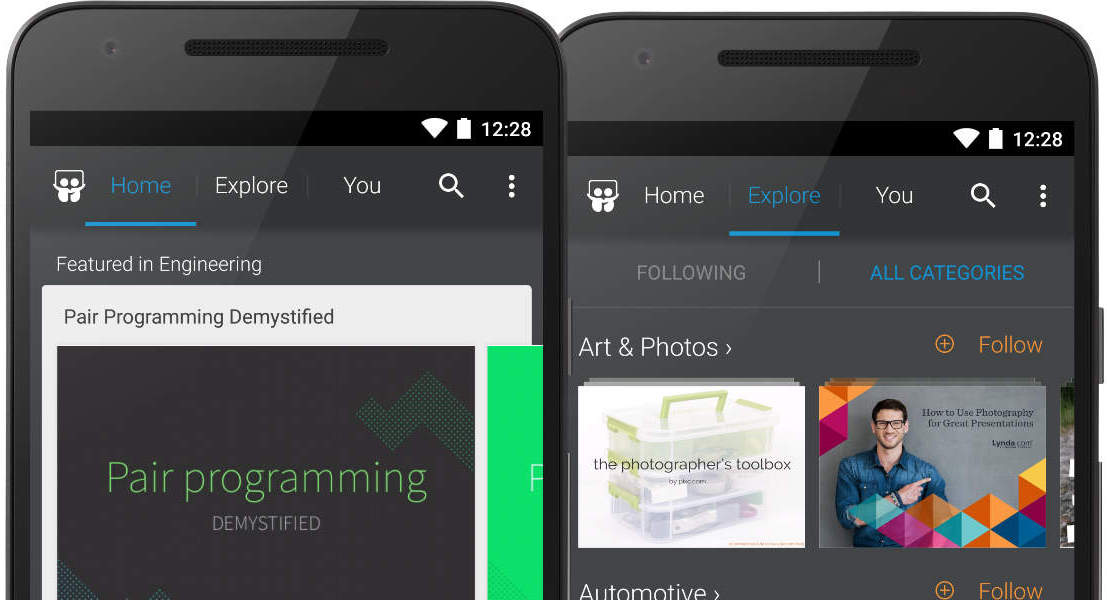
Android Performance Improvements for Slideshare
A post I co-wrote on the LinkedIn Engineering Blog that documents the Slideshare team’s work improving the performance of our Android App.
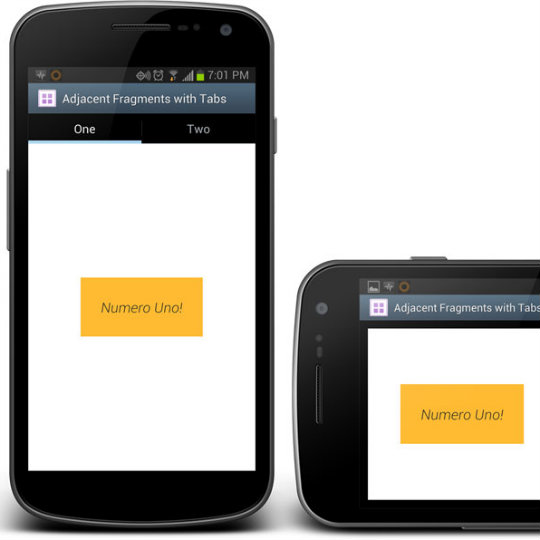
Fragments, Tab Adapter, and Different Layouts
When using Fragments in tabs, the FragmentManager takes care of instantiating, retaining, and reusing Fragments. The problem there is that a tag for a fragment is auto-generated. If we want to reuse that exact Fragment in a different layout (like when the device is rotated), we need to extrac...

Draft Punk for 2013
The best fantasy football drafting tool for Android is back for 2013. Updated look and feel for both the draft and news features, improved draft controls, optimizations for all phone sizes including tablets, and more.

New App Engine Pricing may kill Earthquake Alerter
To send immediate alerts of earthquakes to users of my Android app Earthquake Alert, I use Google App Engine as the processing backend for C2DM (cloud to device messaging). Since this was recommended by the Google Android team, I thought it would be a great option. However that all changed wh...

Earthquake notifications using C2DM and App Engine
In order to enhance my Earthquake Alert! Android app, I wanted to be able to alert any user’s phone when an earthquake occurs anywhere in the world that matches some pre-defined filters. The end result was the Earthquake Alerter add-on app and it uses Google’s C2DM and Google App Engine to a...

Japan Quake Visualized on Earthquake Alert!
I’ve always been fascinated with Earthquakes. This fascination lent itself well once I began writing Android apps. I was able to combine my interests and create Earthquake Alert!, an app that give users a great way to view and explore earthquakes all around the world. As an active user of th...
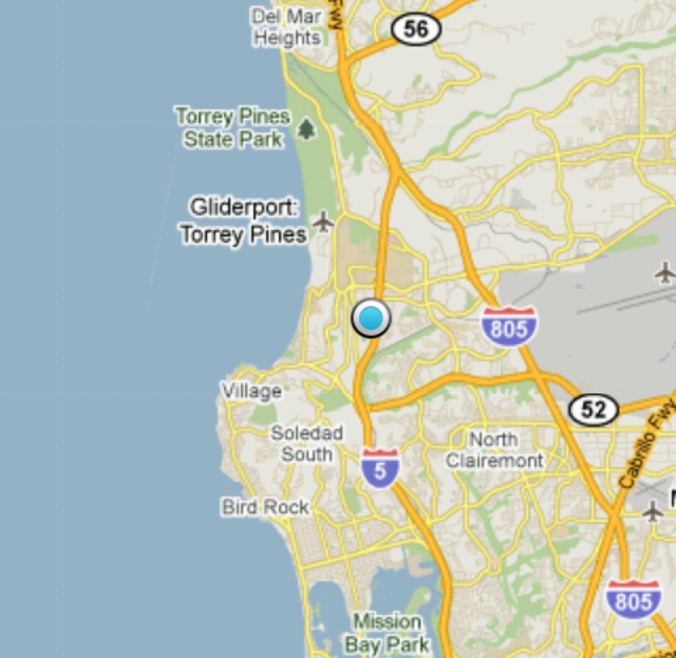
My Map Location Tutorial - Where am I?
If you’re writing an Android App using a MapView, then you will most likely want to view the user’s location. This tutorial will show you how to create an activity that makes use of Android’s built-in MyLocationOverlay class.
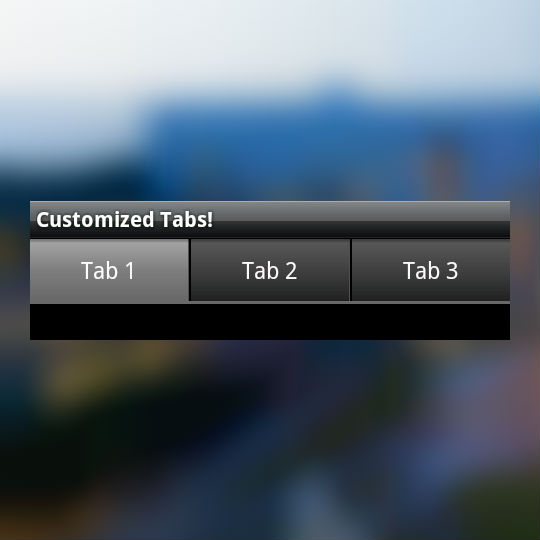
Custom Android Tabs
Wanting to change the default TabWidget look and feel for Android? In this tutorial, we will investigate a few different ways to customize your app’s tabs.With Android SDK 1.6 and above, the SDK allows you to set a View as the tab instead of just text and an icon. We use be using that techniq...
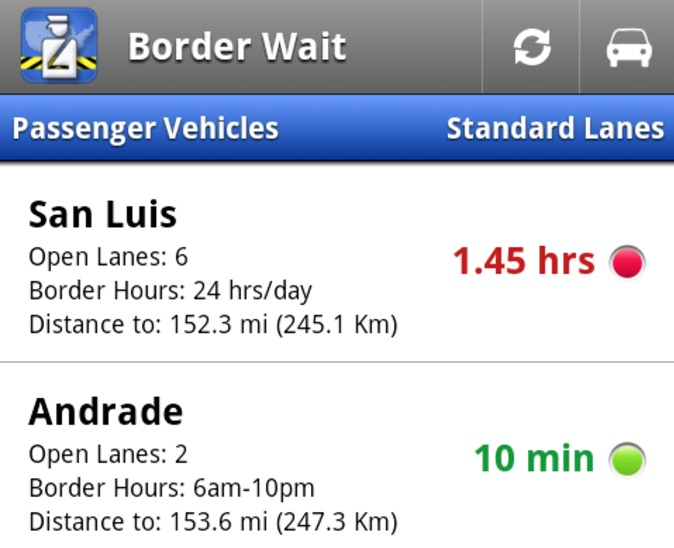
Border Wait gets mini UI overhaul
Border Wait was my first Android app and it showed - basic ListView, simple icons, and a launcher icon I found from the web. Time for an update.
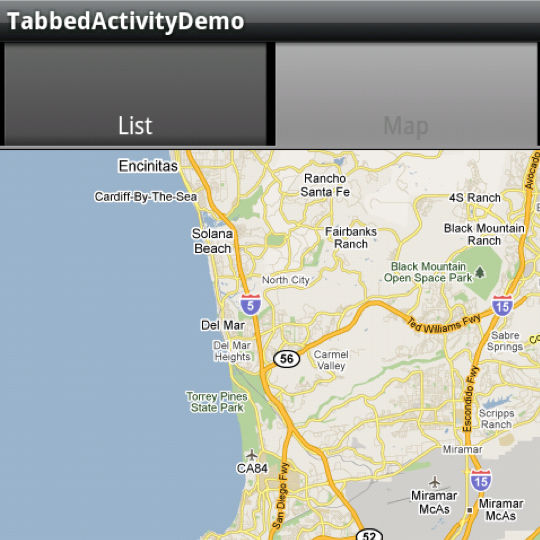
Android Tabs with interacting map and list views
The goal in this tutorial is to have a list of geo coordinates and when we click on an item in the list, our map view goes to that location.
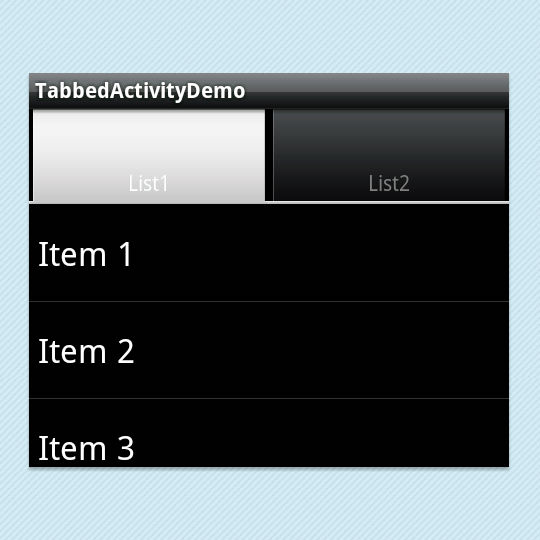
Android TabActivity with two list views
In this tutorial, we will create a slightly more advanced application. We will have two listviews as the content of a tabactivity and have them interact with one another (basically by clicking the items of one list view will add them to the second list view).
Draft Punk Android App
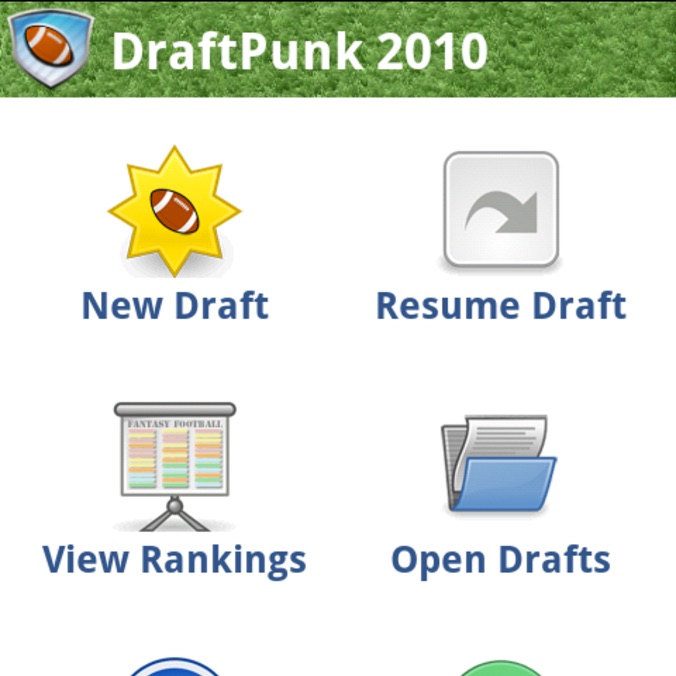
I published a new app today for Android. It’s targeted for the fantasy sports fan like me. Every year, I do an offline draft for my fantasy football league. The problem with offline drafts though, is that you have to fumble around with various paper cheatsheets or internet printouts and make ...
Border Wait Android App
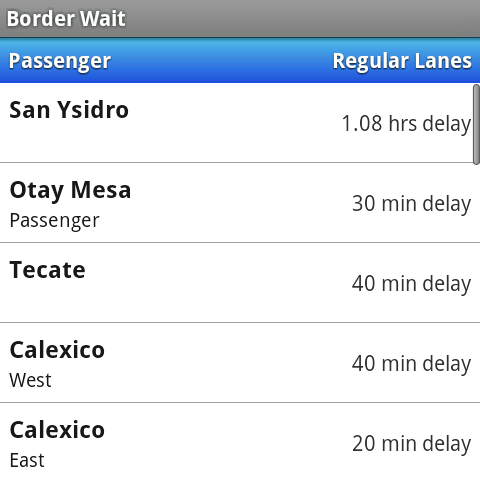
A buddy at work often commutes to Mexico and noticed there weren’t any apps (iPhone or Android) that provided the current wait times to return to the U.S. Since the customs and border patrol web site provides those times, I figured I could put together an Android app listing all the borders a...